
Make design tweaks
on your codebase yourself
Turn designs into working code on your codebase and ship the polish yourself. Engineering approves the merge.
Tighten the spacing on the pricing cards.
 Designer
Make design changes
without waiting.
Stop redlining screenshots for someone else to rebuild. Preview the result exactly as your users will see it.
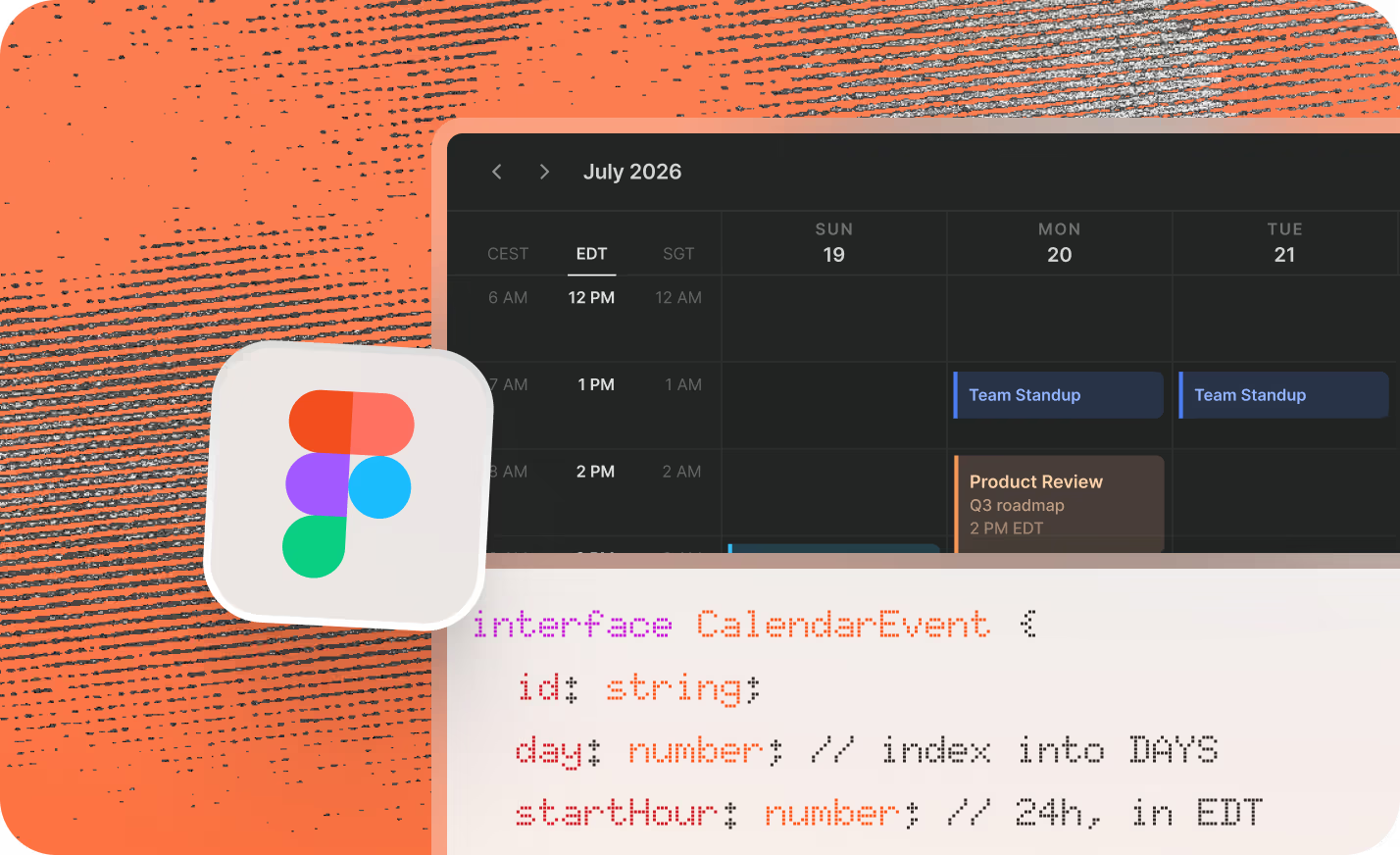
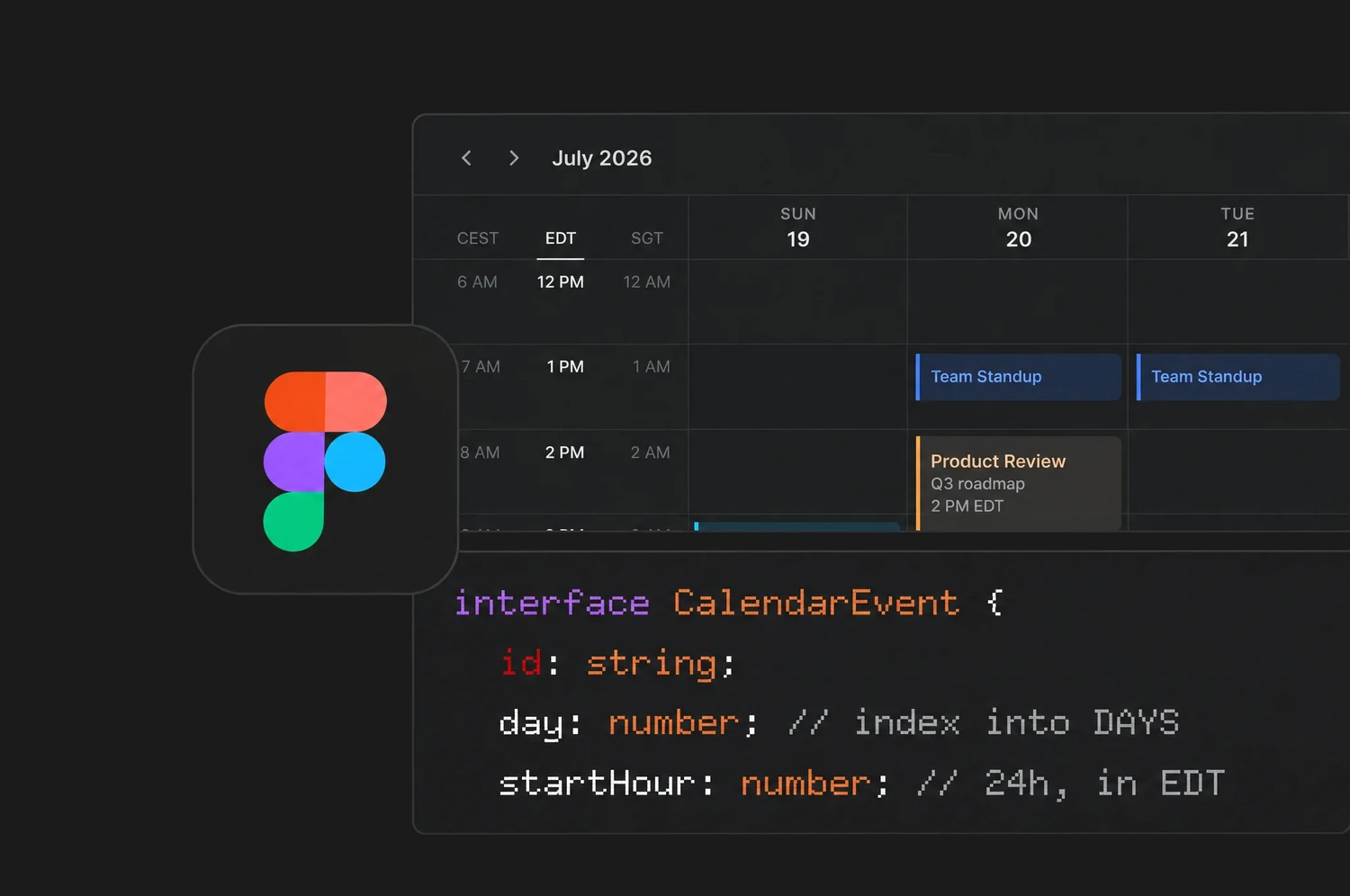
Turn Figma designs into working frontend code
Start from the design and get real components on your codebase, built with the team's conventions.
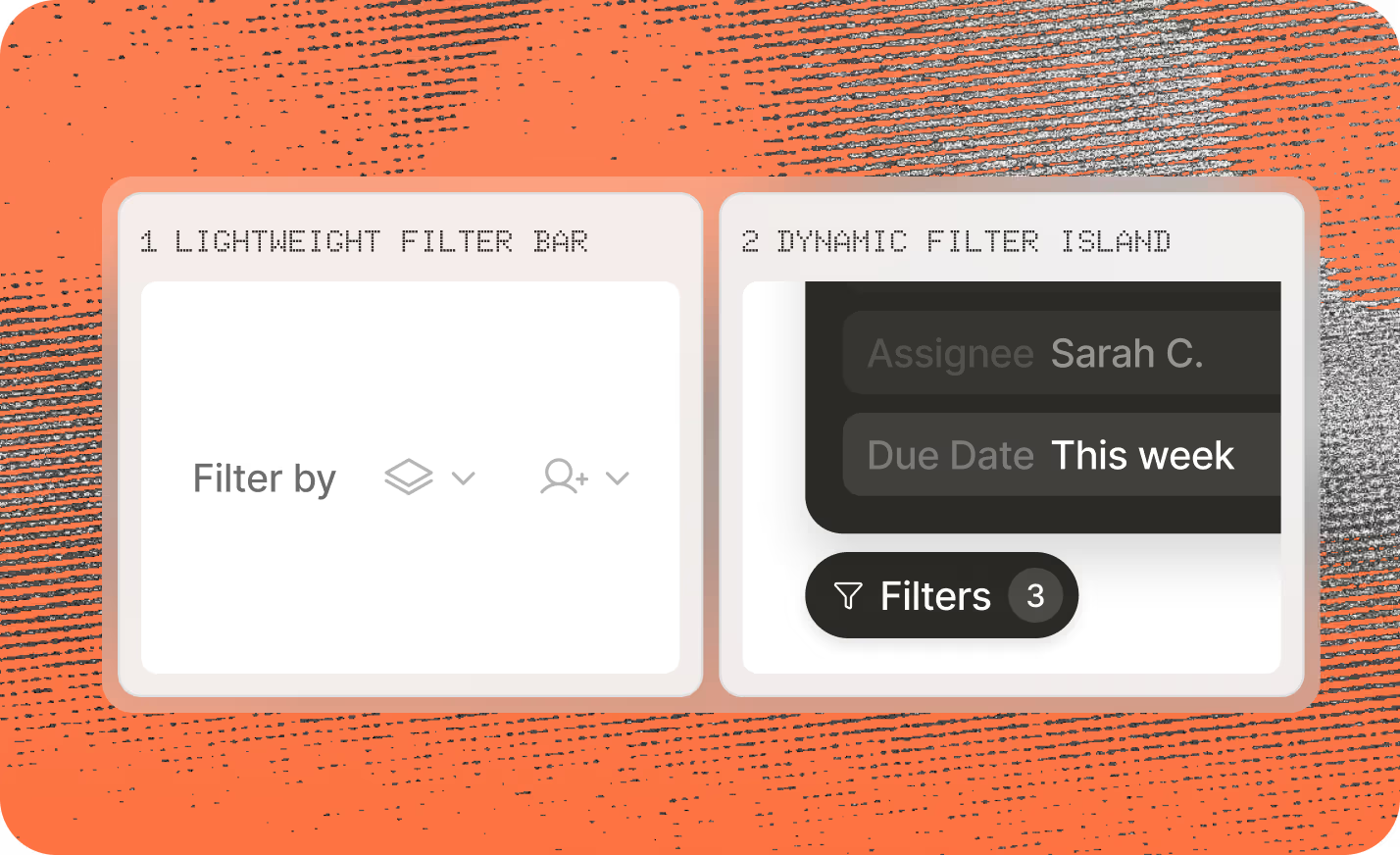
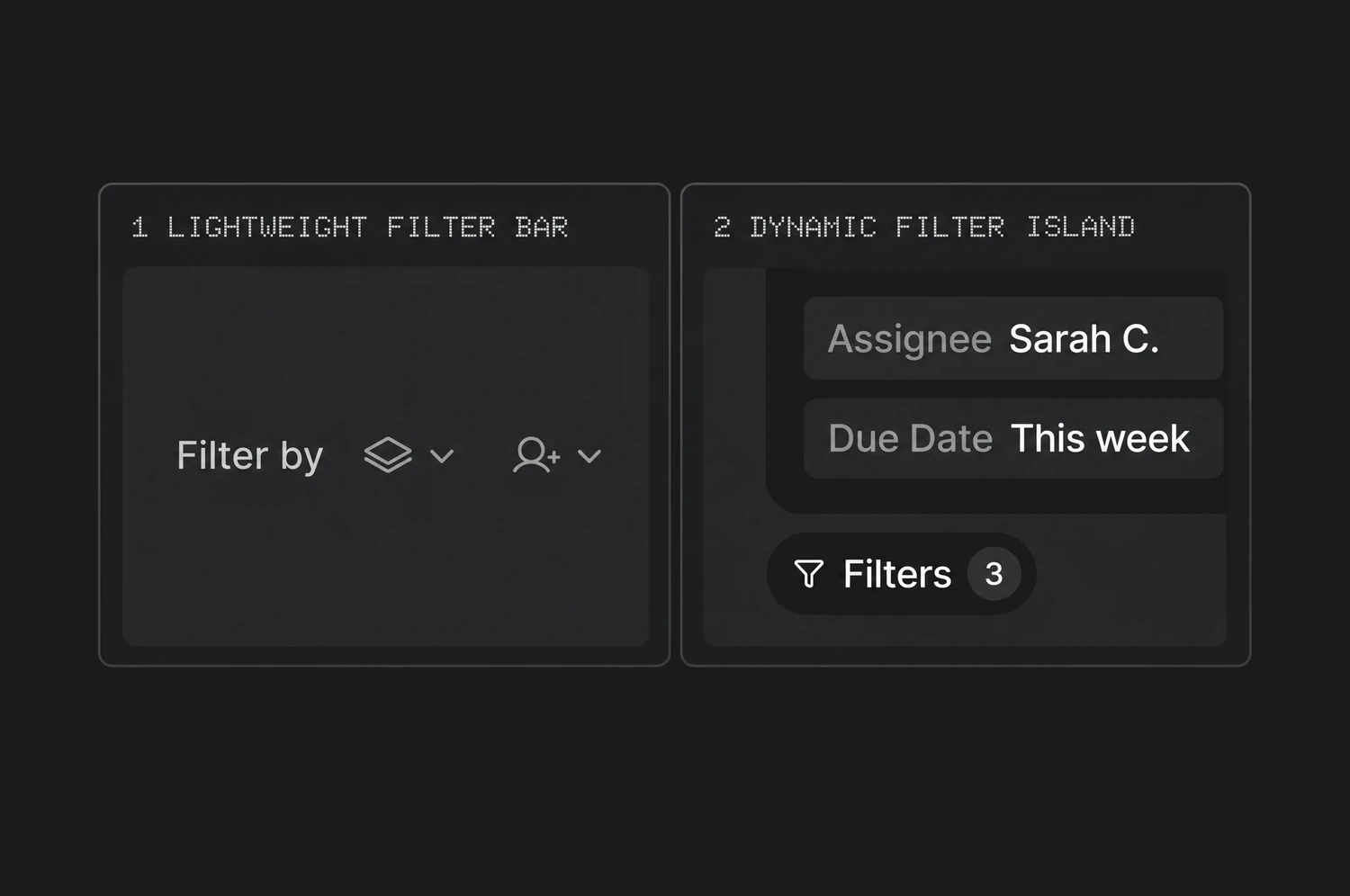
Explore design variations in parallel
Plans come with visual options to choose from, and parallel cloud agents build them side by side.
Ship polish fixes yourself
Copy, spacing and colors. Save design.md once as a shared skill and every teammate and agent builds with your design system.
One workspace for your team's
agents.
Anyone can ask for a change. Agents build it, teammates refine it in a shared preview, and an engineer approves the merge.

 Designer
 Marketer


Works with tools you trust
Built for the workflow you already
have.
Gleamrun plugs into the tools your team already uses, from tickets and chat to complex codebases across multiple repos.

Works with your stack
Start a task from Linear, Jira or Slack, and ship it as a PR to GitHub, GitLab or Bitbucket. No migration, no new process, just changes that fit the way your team already works.
- GLM-5.2
- Gemini 3.7 Pro
- GPT-5.6 Luna
- GPT-5.6 Sol
- Opus 5
- Sonnet 5
- Kimi-K3
Any model, bring your own subscription
Bring your own API keys or existing Codex and Claude subscriptions, or pick any model through OpenRouter. No lock-in, no markup on inference.
The software factory trusted by teams
We've been able to now accelerate product development dramatically by allowing PMs and designers to ship. Love the collaborative process on Gleamrun!

Lucas Lee
Head of Product, Arc
We run dev and BD workflows on Gleamrun - shared agent sessions and per-task previews eliminated the handoff friction between teams. Founding team is super responsive too.

Jason Chin
Managing Director, TransactCloud
Managing agents with Gleamrun is a game-changer as we can share the same agent sessions and steer together. Feels like Google Docs for agents.

Alberto Rosas
CEO, Didit
We send tickets from Linear and Slack directly into Gleamrun, and its agents use our team’s shared skills and context to help build features, triage bugs, and work through the engineering backlog much faster.

Bladen Lam
CTO, Fuzzy
First day live: 4 pull requests with real features from our Product Lead. This is the future of software engineering. Takes a day to set up, once set up anyone can create a task which gives them their own environment with Lovable style chat.

Tony Ennis
CEO, Giga
What impressed me is the way Gleamrun helps with the planning process - designers, PMs and devs can come up with a really good spec before giving it to an agent to one-shot.

Justin Chong
Head of Product, Chirp
Gleamrun's plan mode allows me as a non-technical builder to come up with different design variations for stronger alignment with my team.

Jarren Koh
Product Manager, Carousell
Coding agents run solo in one developer's IDE while the rest of the team falls out of sync. Gleamrun is rebuilding the SDLC for the AI era.

Zhilin Wang
CTO, Metix AI
Frequently asked questions
How is Gleamrun different from Claude, Codex, or Cursor?
Claude, Codex, and Cursor are coding agents. Gleamrun is the workspace that lets your entire product team use them together.
Instead of agent sessions living with one developer, Gleamrun gives your team shared context, shared skills, cloud sandboxes, live previews, automated verification, and an approval workflow before anything ships.
You can keep using the models and coding tools you already like — Gleamrun adds the collaboration and guardrails that turn them into a software factory for your whole team.
Is Gleamrun more expensive than using AI models directly? Can I use my existing subscription?
Gleamrun doesn't mark up model inference.
Bring your own API keys or use existing Codex and Claude subscriptions, or choose another model through OpenRouter. You're paying Gleamrun for the infrastructure around the models: cloud execution, shared context, previews, collaboration, testing, and team controls.
How secure is Gleamrun? What happens to our code and data?
Your team controls which repositories and models Gleamrun can access.
Work runs in isolated cloud sandboxes, and those environments are destroyed after the work is complete. You choose the model provider, and Gleamrun can also work with your own LLM gateway.
Every code change remains auditable through your existing GitHub workflow, and nothing can bypass the approval rules your engineering team configures.
What tools does Gleamrun support? Will it fit into our existing workflow?
Gleamrun is built to work with the stack you already have rather than replace it.
Connect your existing codebase and repositories, keep your GitHub review and CI workflows, and use agents like Claude and Codex. Your team can also send work into Gleamrun from tools such as Slack and Linear.
Engineering sets up the environment, shared skills, and guardrails once, then the rest of the team can build within those constraints.
I'm not an engineer. Can I actually use Gleamrun safely?
Yes — that's one of the main reasons Gleamrun exists.
You describe what you want in plain English, plan the change visually, launch an agent, and review the result in a live sandbox without needing to understand Git or set up a development environment.
Non-engineers don't get a shortcut around engineering. Every change follows the approval workflow your team configures, so engineers still control what reaches production.